What a walking pad actually needs to do under a standing desk
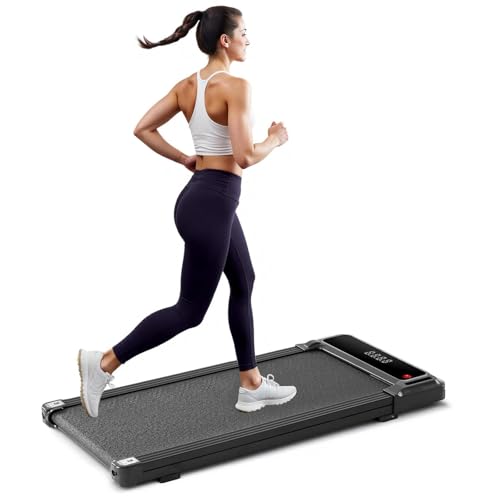
Most of these pads look interchangeable in photos: black deck, LED display, remote. The differences that matter show up after week two of use. Deck length relative to your stride matters, so does how loud the motor gets at your normal pace, and whether the thing survives being kicked out from under the desk twenty times a week. None of that shows up in a spec sheet. So I leaned on what reviewers actually complain about after a few months of use, not what the bullet points promise on day one.
Noise is the spec that actually changes your day
If you're running Zoom calls or Teams meetings from your desk with a walking pad under it, the motor noise either stays completely hidden or it gets irritating pretty quick—not much in between. Most of the models on the market claim to operate below 45 dB. I can't personally verify that with a decibel meter, and realistically most people shopping online aren't either, but 45 dB is the number these brands keep quoting, and when buyers mention the motor running 'quietly in the background without bothering me,' that matches up with that ballpark. Take it as a useful direction rather than a guaranteed promise, and definitely dig through the actual reviews to see if people are complaining about motor sound before you hit purchase.
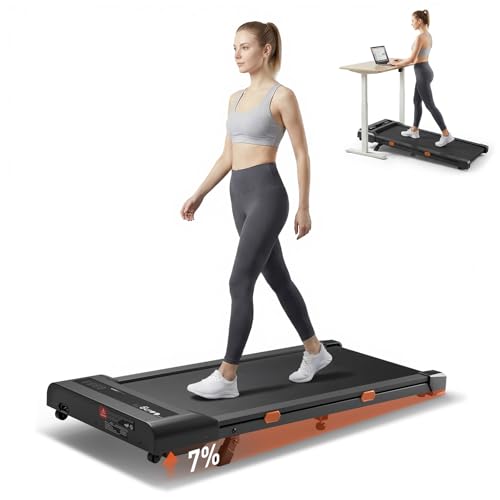
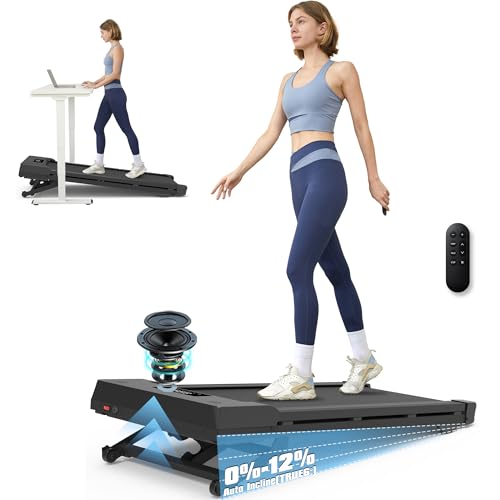
A few pads here add incline: fixed, manual, or auto-adjusting across multiple levels. It’s a genuine feature if you’re using the pad for actual cardio sessions outside of work hours. For someone just trying to accumulate steps during a stand-up meeting, incline mostly adds cost. Auto-incline models also add more moving parts to eventually fail. Only pay that premium if you’re planning workouts on it beyond desk hours.
Check the folded dimensions, not just the deck size, if you’re sharing floor space with a standing desk that already eats into the room. Pads that store flat under a bed or sofa are fine if you have that space. Pads with built-in wheels work better if you’re rolling this in and out of a shared office corner daily. None of the pads in this list are true folding units that stand vertically against a wall, so if that’s a hard requirement, keep looking before you buy.
Capacity and belt width, read past the marketing number
Weight capacity numbers are usually accurate, but belt width is the spec that actually trips people up. A narrower deck feels fine for slow walking and gets genuinely uncomfortable if your stride is long or you drift side to side while typing. Over 6 feet tall? Lean toward the wider decks in this list rather than the compact ones built for tight spaces.
Pairing it with the rest of your desk setup
A walking pad only works if your monitor, keyboard, and chair situation supports actually standing and moving. If your monitor is fixed at sitting height, you’ll be hunching while you walk, which defeats the point. Your keyboard position matters too: typing accuracy drops more than people expect once you’re moving, so a stable tray or a desk height that doesn’t force your wrists into a weird angle matters here. And don’t forget the days you’re not walking. A decent chair is still doing most of the work for your back.
How I picked these
I collected what Amazon currently stocks in walking pads across the US market, cross-referenced the listed prices and specs against what's actually available, and worked through customer feedback to catch recurring issues—things like noisy motors, belt wear complaints, or remote controls that won't hold a charge. I haven't personally tested any of these or brought my own measurement tools into the mix. What I can genuinely do is point out which specs show up the same way across different models, where real differences actually exist (incline capability, weight capacity, footprint), and where brand claims stretch beyond what I can reasonably verify, so you walk in with realistic expectations. Some of these are brand new with minimal review history yet, and I've been straight about that instead of pretending there's data where there isn't.
For the rest of your home office setup, the desk comfort hub covers ergonomic add-ons. Lighting is worth a look too, especially once you’re spending more hours moving around under brighter overhead light. Browse the full category list, or read about how this site works on the about page.